Backstory
A while back my wife’s Jeep was in the shop, and besides just getting a newly-repaired vehicle we also acquired a set of Jeep-themed pint glasses to replace the last of a set of scratched up glasses we’d had for years. This led to a conversation in which Beth asserted that her vehicle was clearly cooler than mine because hers had a set of glassware for it and nobody would make that for a minivan. Honda, sure, but not a minivan.
That claim couldn’t be allowed to stand. Now instead of browsing Amazon or Etsy to prove her wrong I took the extreme route: I went shopping for a blank pint glass and a bottle glass-etching acid to make my own. I’m sure that says more about me than about how awesome my minivan is, but so be it.
Glass acquired, I did a quick image search and came up with a Honda logo and an outline of an Odyssey that I pulled into Inkscape and ran through the “Trace Bitmap” tool to create passable vector art. Almost ready to send it to the vinyl cutter to create stencils, right? Nope, the pint glass has angled sides so any art on it needs to be transformed to match the curve.
I’m sure there are specialized tools that can handle this type transformation automatically, but given that I already have a vector graphics tool that I’m comfortable with I’d rather dig deeper into the features in Inkscape than pick up something new.
Generating the Template
The pint glass I picked up takes the form of a truncated cone. I knew I needed to bend the artwork so it wouldn’t appear stretched/curved on the glass, but how do you calculate that?
Short answer: plug the glass measurements into a tool such as templatemaker.nl to get a template that will wrap the sides of it. As a bonus, that site also includes a breakdown of the math used to calculate the result in case you want to do it yourself. Is that directly useful here? Partly: it gives you the radius of the top and bottom of the glass, which lets you calculate the bend radius at the height of the center of your logo. You have to do a little more work to make that data easy to use.
I’m lazy, so I fired up OpenSCAD to generate my own template that I could just snap my image to for easy bending. Did it work? Yes. Is it really the best tool for generating SVGs? Not really, so I made a better one:
Simply enter the dimensions of your glass, desired logo size and buffer width, and how high you want the logo to be on the glass and it will generate a template with all the points you need to transform your art and a guide edge to align with the top of the glass to ensure it’s positioned correctly. Instructions are under the embedded form so I’m not duplicating them here.
Etching Glass
Once the image is transformed and the template is cleaned up you’re ready to send it to the vinyl cutter to make a stencil. After cutting simply weed the parts you want to show in the final product, then transfer it onto the glass using the top edge to line up the height and being careful to keep it vertical. I had some trouble keeping it straight, so if I try this again I’ll probably use a dry erase marker to draw a vertical reference line to line up the vinyl edge against.
Make sure the vinyl has a good seal to the glass along all the edges of the image. Bubbles under the vinyl don’t matter so long as you’ve got firm edges because the acid won’t go through the vinyl but can squeeze under it if it’s not stuck down well.
Follow the instructions for applying the etching cream, especially the safety instructions. Mine said to brush on, then rinse off and clean with soap and water after 15 minutes. Leave the vinyl on and let it dry to see how it turned out.
I wasn’t entirely happy with the results (faint, with some unevenness to the etching), so I did some reading online and tried again. I first stirred the acid cream to ensure even consistency and rubbed it in all different directions for the first 5 minutes before letting it sit for another 45 minutes. It’s not perfectly even, but it came out very clear.
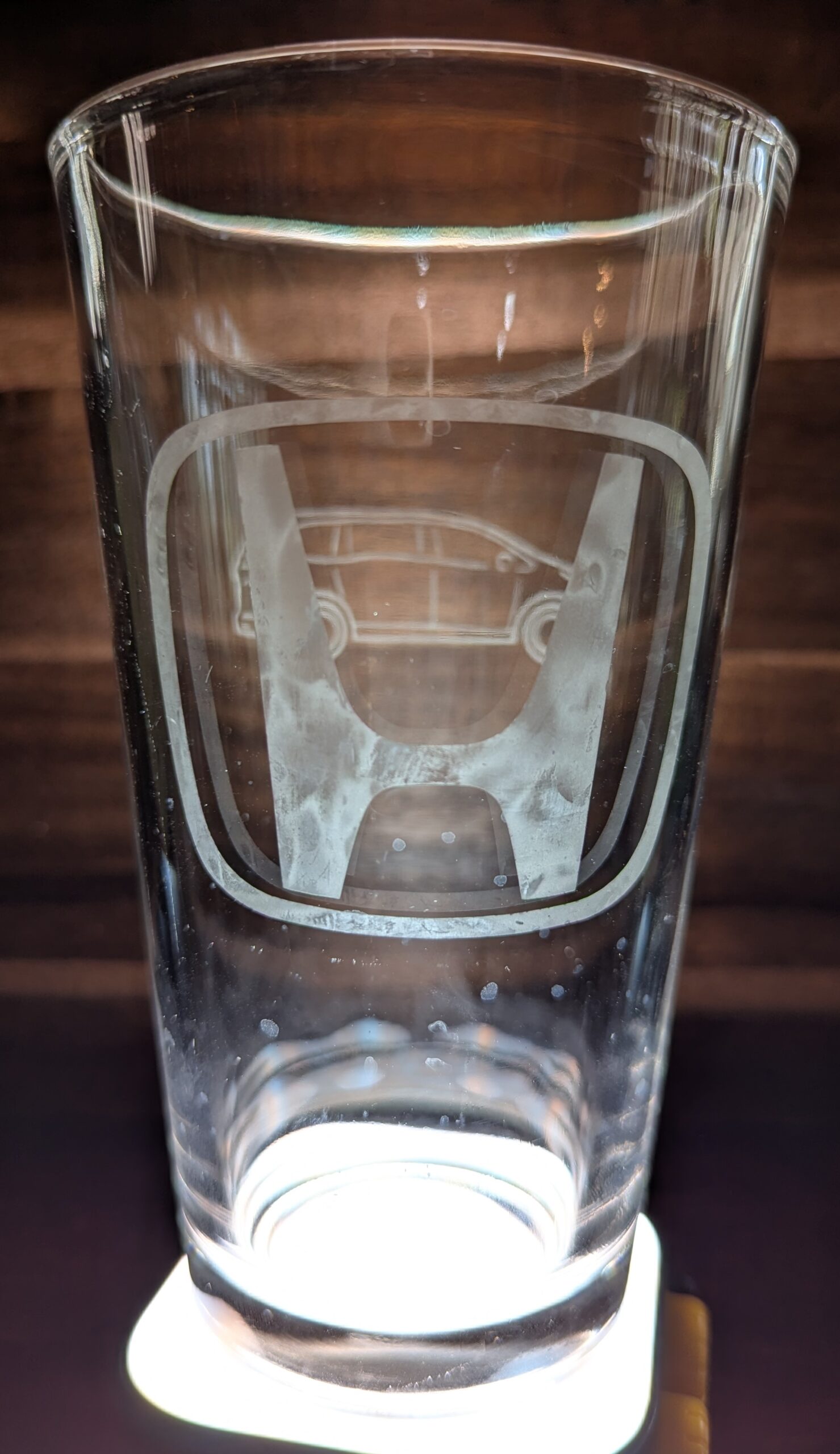
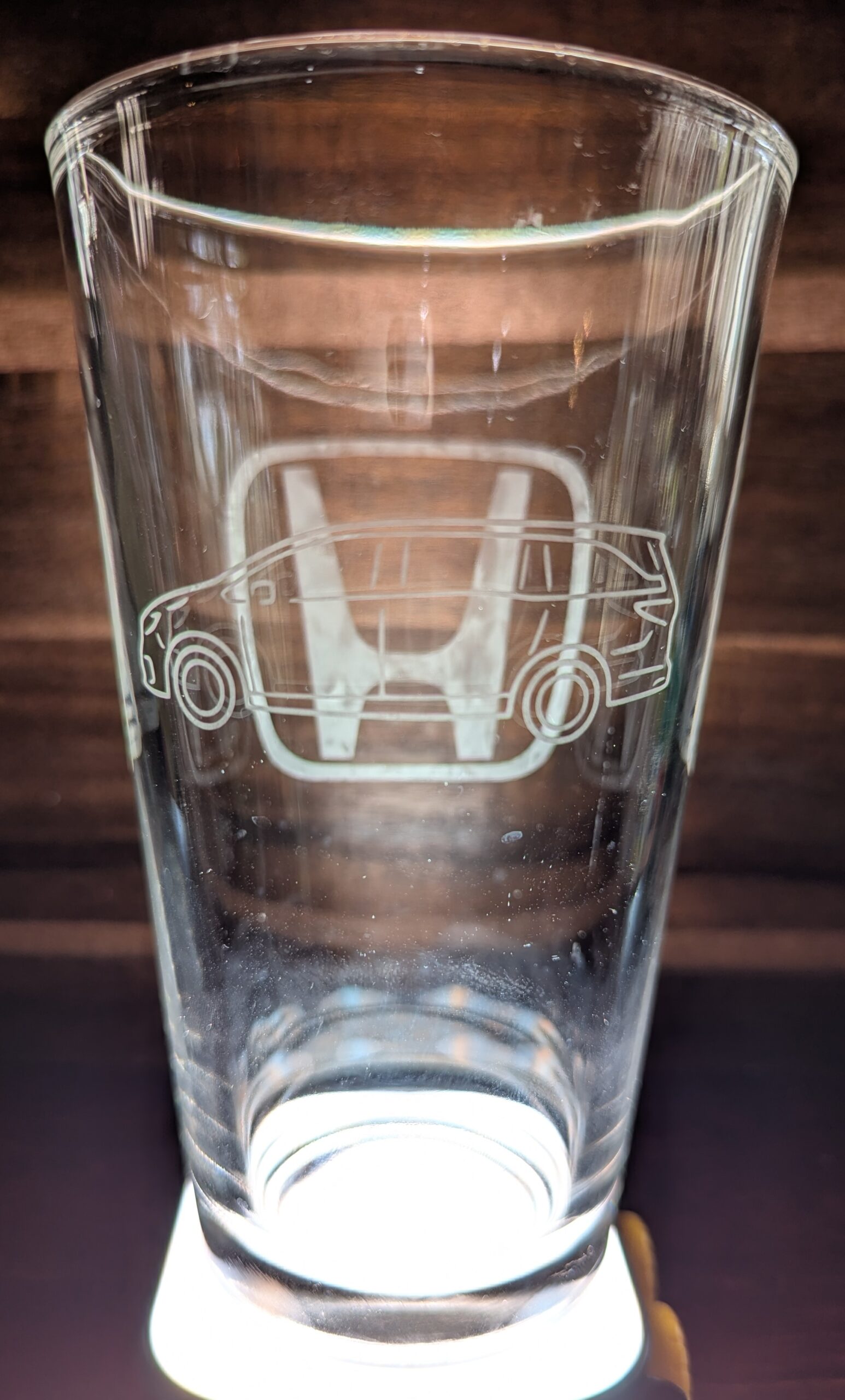
Pardon my water spots and finger smudges: this is the first time I’ve tried to photograph glass and I didn’t put enough thought into preparing it.
Backstory, Continued
I managed to get it filled and on the table at dinnertime without drawing attention to it. We were a decent way through dinner when Beth was talking to me (as I took a slow drink from my glass) and she suddenly paused.
“What? Where did you get that? Did you buy it?”
When I stopped laughing (giggling?) I filled her in on how I’d spent my previous two evenings after she went to bed. All was worth it for the look on her face when she noticed what I had, and for an added bonus I’ve got a glass that won’t get mistaken for anyone else’s when we have company over (because seriously, who would choose the minivan glass?).