Last summer I found out about CubeSensors, which are small cubes packed full of sensors for monitoring your indoor environment. I loved the idea but they seemed a bit pricy and they were still taking preorders, having not shipped anything yet. After a couple weeks of thinking about it I went ahead and paid the deposit to reserve my spot in the second batch and lock in the price, which was fortunate because within a couple weeks the price had gone up (to cover adding adding more features I believe). Being a new company, there were naturally delays shipping the first batch, then they wanted to incorporate changes based on feedback from the first cubes in the wild, so I finally got my cubes this last June.
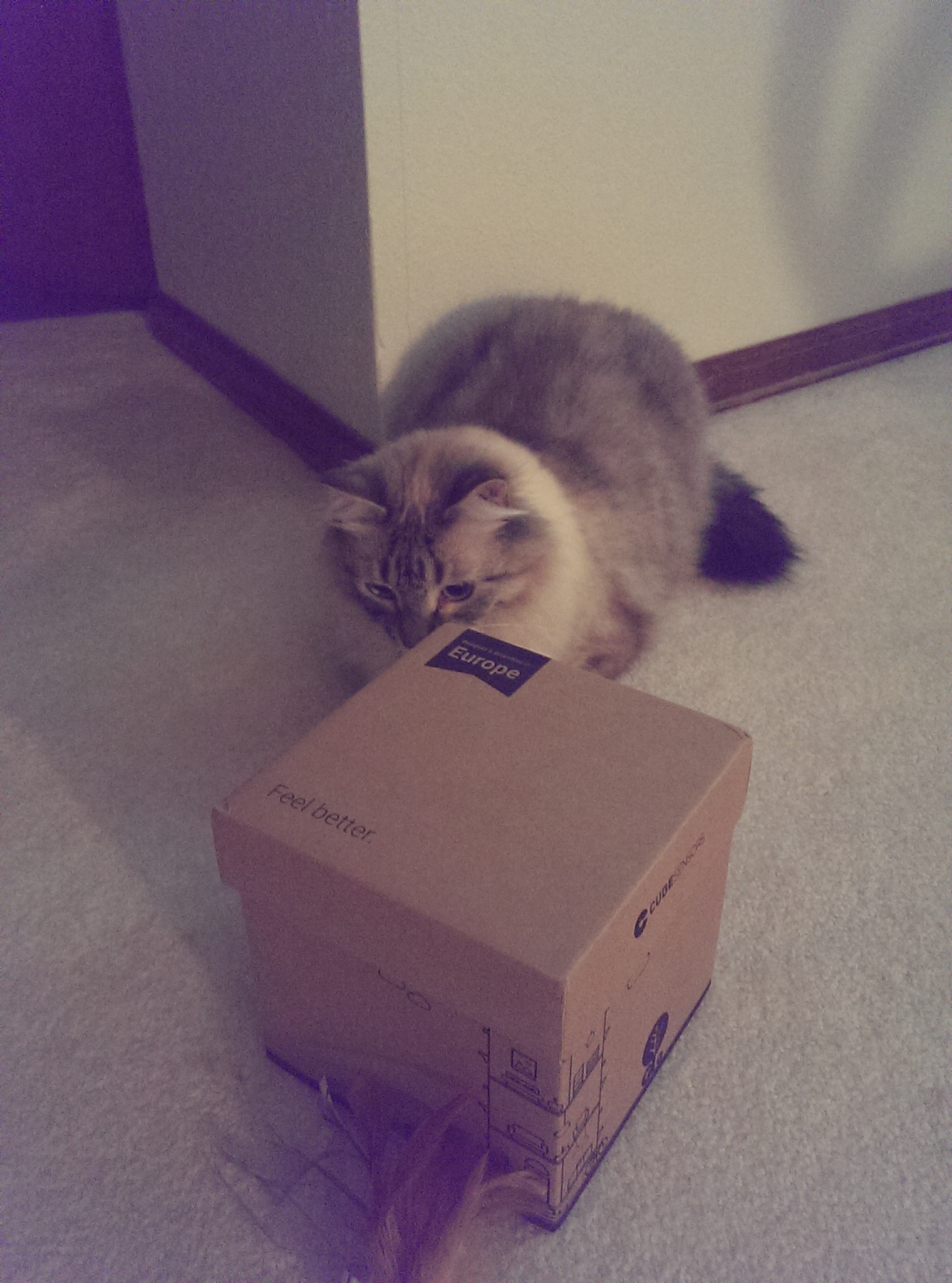
Not only did the box include my cubes and base station but it’s the perfect size for my cats to hide behind when playing:
The only trouble I had setting the cubes up was user-error: I tried to connect all the cubes at once and thought one of the connected ones was the last disconnected one. They glow red when you shake them and they don’t like your environment (so with low humidity and high temperatures the one that was connected would light up red when I shook it) and they flash red when you shake them and they’re trying to connect (the expected result when adding a new cube to the network). I didn’t recognize the difference so it took me a few days to think to have it tell me which cube was which by lighting them up from the webapp, at which point it became obvious what I was doing wrong.
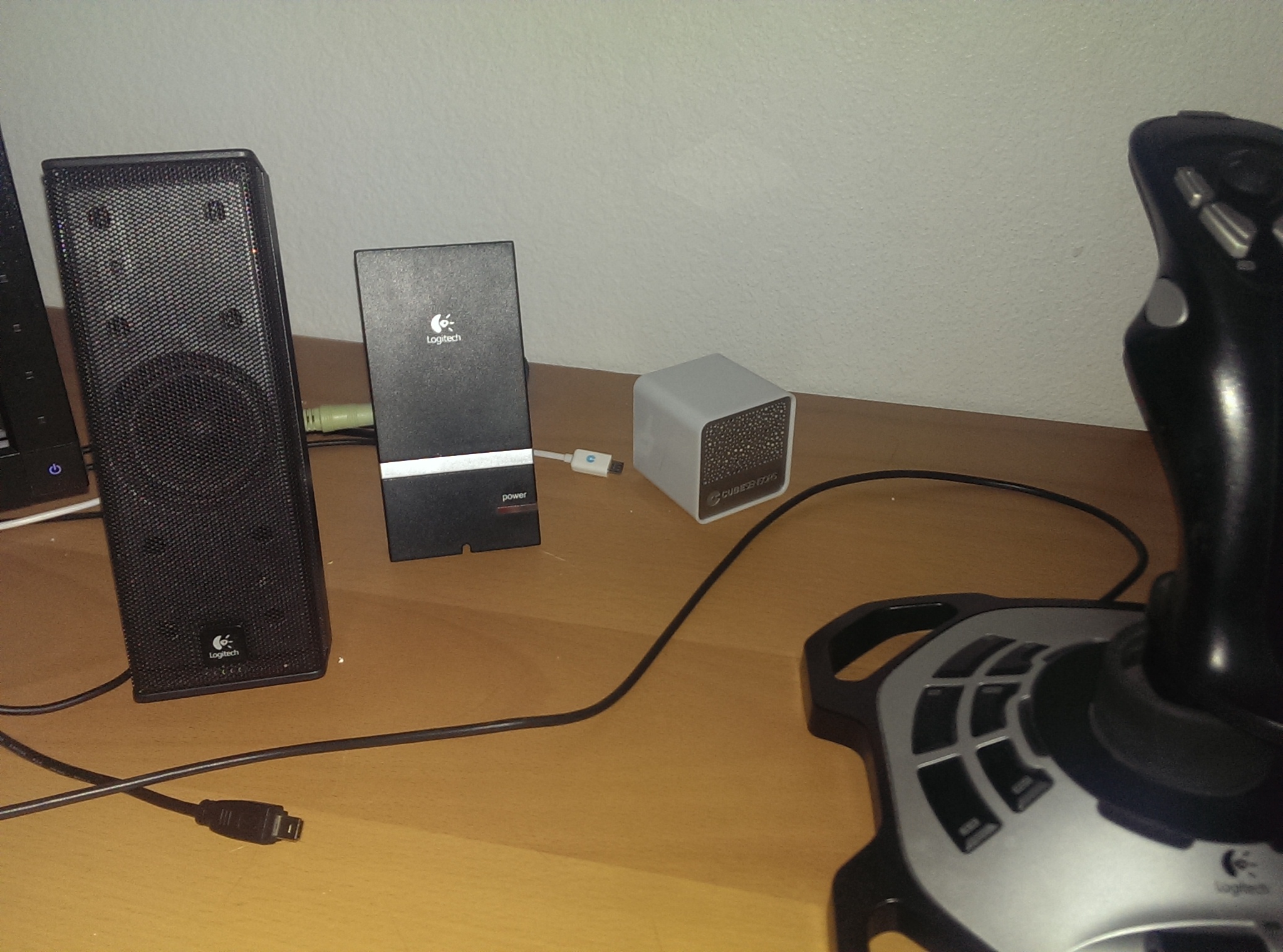
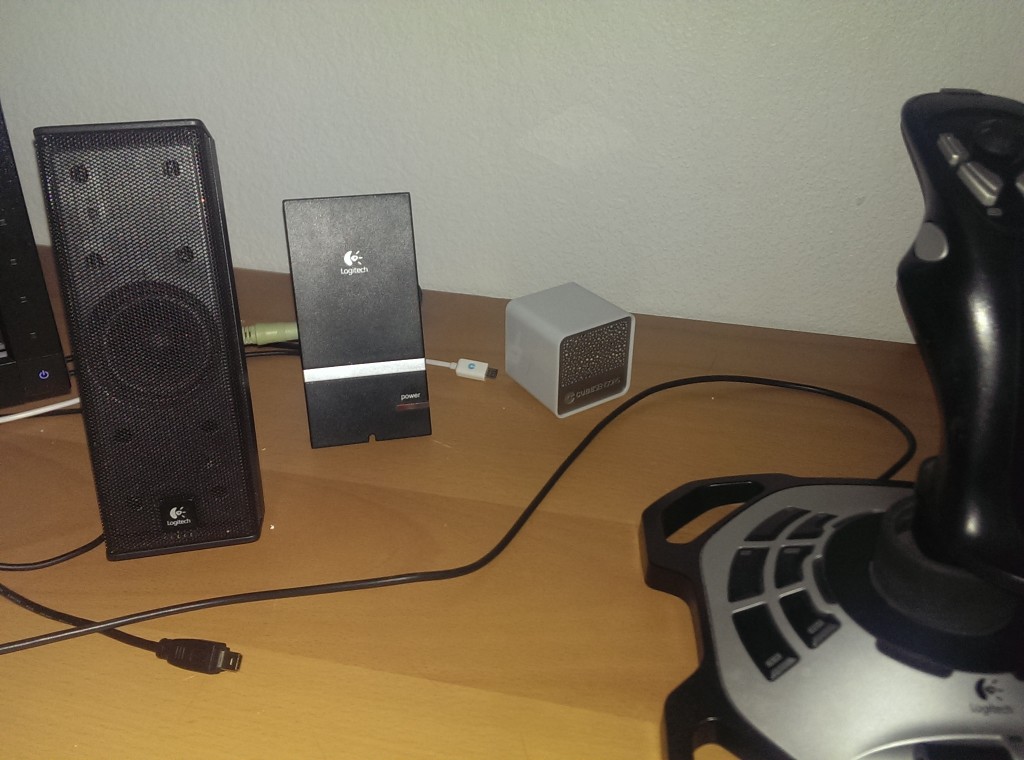
Here’s loft-cube in action:
While I appreciate the raw data from the cubes I’m not really a fan of how it’s presented:
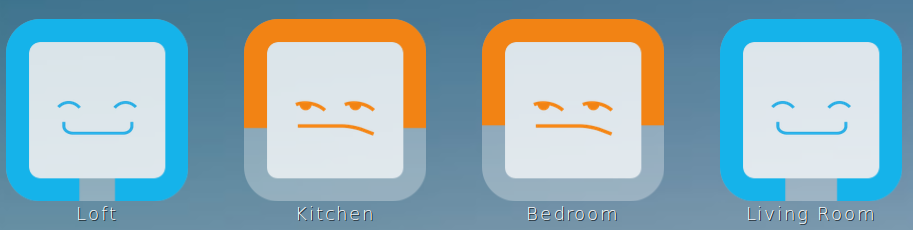
First off, there’s no way to get raw data side-by-side. For example: the app doesn’t offer a plot of the temperatures of all rooms at the same time. You can click on the cube on the overview screen to see details for that room but the only way to see more than one at a time is by using multiple browsers.
Also, there’s no way to adjust the target values. I’m comfortable at a far wider range of temperatures (especially warmer) than the 73.4-78.8°F the app insists I should set my house to. That means that most of the time the overview page just tells me that it doesn’t approve of how I live, which often isn’t an indication that I should do anything about it.
Besides just the app I also have a gripes about the hardware itself: The charging circuit produces heat, so any time a cube is charging the temperature (and humidity) readings can’t be trusted. I’d hoped that leaving the cubes plugged in would result in it using the provided power to run and not needing to drain/charge the battery, but the actual result is that it drains the battery for a number of hours, then charges for a while, then drains the battery. That produces a plot with periodic temperature spikes and doesn’t really tell me about my indoor environment or provide useful data that I can mine.
None of those issues are dealbreakers so I still appreciate having the cubes and think they were worth what I paid for them, I just have to work within the limits of the cubes.
Fortunately, the app isn’t a limitation because there’s an alpha API available for use.
Of course an API doesn’t do me any good if I can’t access it, and I’d never used OAuth before. OAuth requires you to have an app key/secret pair (currently gotten by emailing the address on the API page), then do a handshake sequence that involves the user logging into the CubeSensors site to allow the app to use the account, then use the key the api provided to request data specific to the user. Searching online it was easy to find a Java library for OAuth, but it wasn’t so simple to get it to work for CubeSensors. I ended up playing with Scribe and a firefox plugin called Poster until I managed to get a signed query accepted, then I tweaked my Scribe settings until I got it working.
Once I had authentication working it was a fairly simple matter to wrap the JSON-based API in Java objects using Jackson, and at that point I went ahead and published my results on github for anyone else that wants to use Java to query CubeSensors data.
Someday (hopefully) soon I’ll be building a nicer interface for my cubes, which I’ll probably post about here as I get it working.